

There’s often a hell of a lot of information in a document. It could be as simple as a PDF with client data in it, business metrics, study results, personal details, etc. It’s worth bearing in mind when you’re using AI tools to summarise, analyse, or otherwise process the documents that you do need to understand where the processing is actually taking place and whether the content of the document is actually leaving your computer.
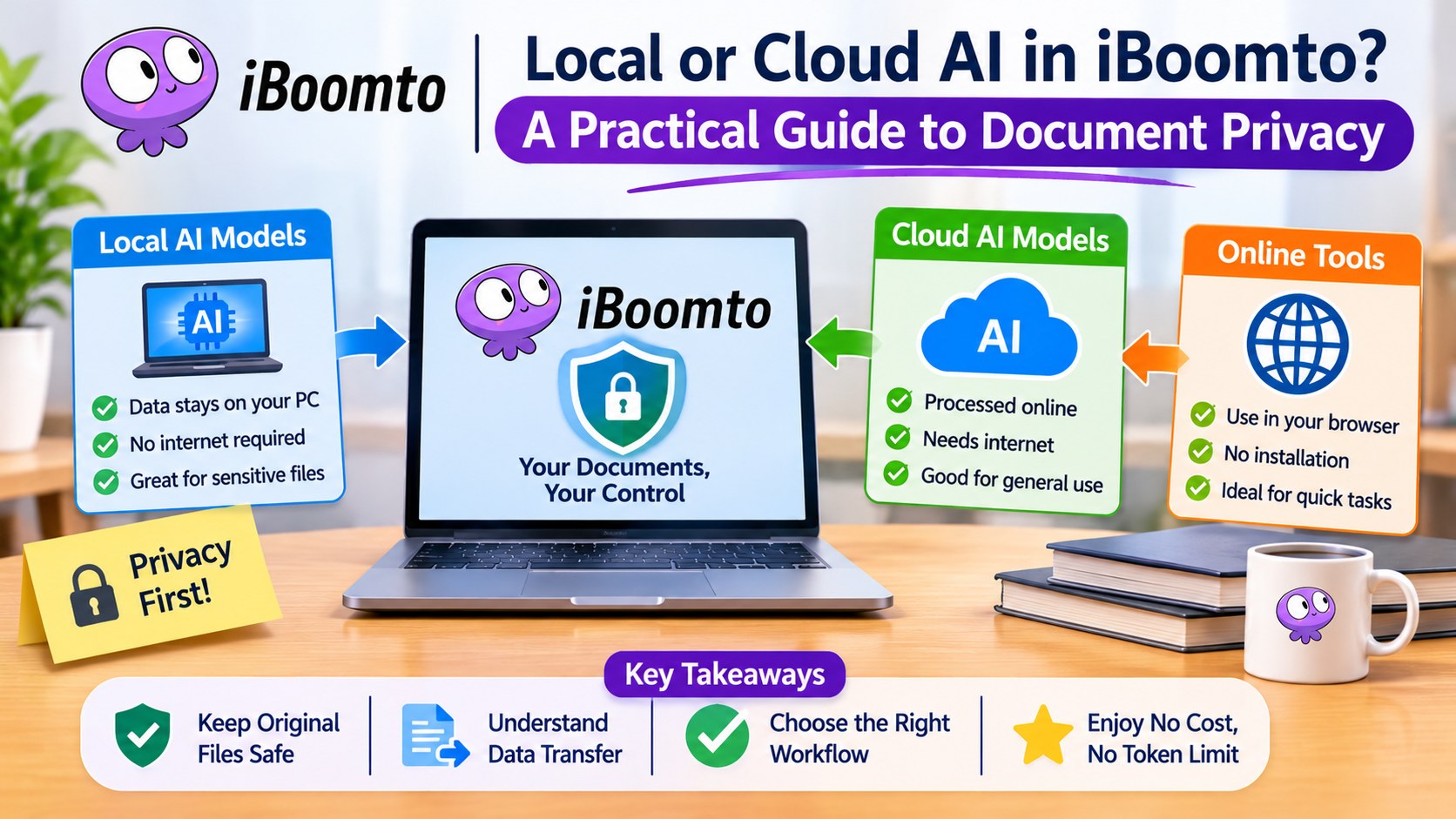
For Windows users, there are three main options: local AI models, cloud-based AI models, and browser-based online tools. The options vary in convenience, hardware requirements, and privacy.
iBoomto brings these options together and create AI knowledge base workflow so the user can select the one that is appropriate for them.
1. Local AI Models: Processing on Your Windows Device
iBoomto is a Document AI solution for Windows that takes care of the common document tasks. Can be used with either an online or local AI model so you have the flexibility to use it with your own PDFs, your own research etc.
It’s also very much focused on privacy and security, which is of course paramount for anyone who’s going to be handling business or personal files. A range of processing methods are available depending on the users’ requirements.
Another option that’s very appealing is that it’s not actually costing anything at all and there’s no limit on the number of tokens. That means students, freelancers, and professionals who want to use AI for documentation can do so without any concern about the cost of a subscription or token limits.
But it is absolutely vital to pick the right processing option, as local and online workflows will handle the information in very different ways.
Local AI Models: Run AI models on your Windows device.
Local AI models run on your device. Rather than sending the content off to some remote AI service to be processed, your device does the processing.
This can be useful if you’re working with a confidential report, private research, internal business documents, or personal references.
How data is handled:
- Original files can remain in folders on your computer.
- The selected local model processes information on the device.
- Extracted text can be analyzed without sending it to a cloud model.
- An internet connection may not be necessary for local model processing, depending on the application.
The hardware is an issue. Local models: use the memory and processing power of your own computer. The larger the model, the more RAM, storage, and potentially a more powerful graphics card you’ll need.
Local processing will of course reduce the amount of document content that needs to be sent to the external AI service, but it doesn’t necessarily mean that every application feature will work offline. You need to check the application’s data handling policies and settings.
2. Cloud-Based AI Models: Convenience Through Online Processing
This is because the Cloud AI models do the work on remote servers. Your computer sends the information it needs to an online service; the service does the work and returns the results.
This is useful for users who don’t have a particularly powerful machine. You can enjoy powerful AI models without the need to download them or store large AI models on your own machine.
How data is handled:
- The original PDF may be uploaded, or selected content may be extracted before transmission.
- The transmitted information is processed by remote servers.
- AI-generated results are returned to your device.
- Internet connectivity is required.
A key point of difference is that having uploaded a document for processing doesn’t necessarily mean that the original document has been uploaded for storage. The service may take the file temporarily and not at all permanently. That’s going to be service-dependent.
To use Cloud AI with confidential content, you need to read over its data processing terms, file retention policy, and privacy policy.
3. Online Tools: Quick Processing Through a Browser
Another option is to use online document tools. They’re very useful for one-off tasks such as converting a PDF, extracting a table, or creating some document content.
One of the downsides of browser-based processing is the requirement to use an online service.
How data is handled:
- You select a document through your browser.
- The original file may be transmitted to the service.
- The online tool processes the document or its extracted content.
- The resulting file or information becomes available for you to use.
Any use of a browser does not automatically equate to local processing. You don’t need a desktop application installed in order for information to leave your computer when the tool is creating information on remote servers.
Hence, online tools are appropriate for public or non-sensitive documents where you’re aware of their data policies.
Original File Storage vs. Extracted Content Transmission
These two ideas are very easily mixable.
Original file storage is the location of your original PDF, Word, or other file. It could be left in a Windows folder, or it could be uploaded and stored by a web-based service.
Extracted content transmission: If the text, tables, images, or other information extracted from that file is to be sent to another location for processing.
For instance, a PDF on your desktop doesn’t necessarily mean that the text in that PDF stays on your desktop. An app could load the document locally and pass chunks of text to a cloud model.
When choosing a privacy-preserving workflow, it’s essential to have an understanding of both stages.
Which Workflow Is Appropriate?
Cloud resources and web-based services could make use of public information (e.g. research papers made available to the public, reference material, etc.) a lot easier.
Before you use the data for any internal business documents, you should check your own organisation’s policies and the provider’s data handling procedures. In the area, it may be better to process via another source of transmission if transmission via that route is restricted.
If the information is sensitive, then you must have an approved local workflow, you must know where the files and the extracted information are going, and you must ensure that other features of the application aren’t inadvertently sending information.
Conclusion
It is not only performance that matters when selecting between local AI, cloud-based models, and online tools. It’s also about knowing where original files are kept, where extracted information goes, and how much control you have over your documents.
iboomto.com introduces this flexibility with its Document AI environment, which is optimized for Windows, and its integration of both online and local AI models, as well as privacy and security measures, a no-cost model, and a no-token-limit option.
Depending on the information, the best way to do it is different. Convenience might be important for everyday public documents. If the material is sensitive or internal, that is the first thing you should consider when it comes to data transmission and storage. With a bit of attention to these details, AI-driven document processing can be more useful and more responsible.