

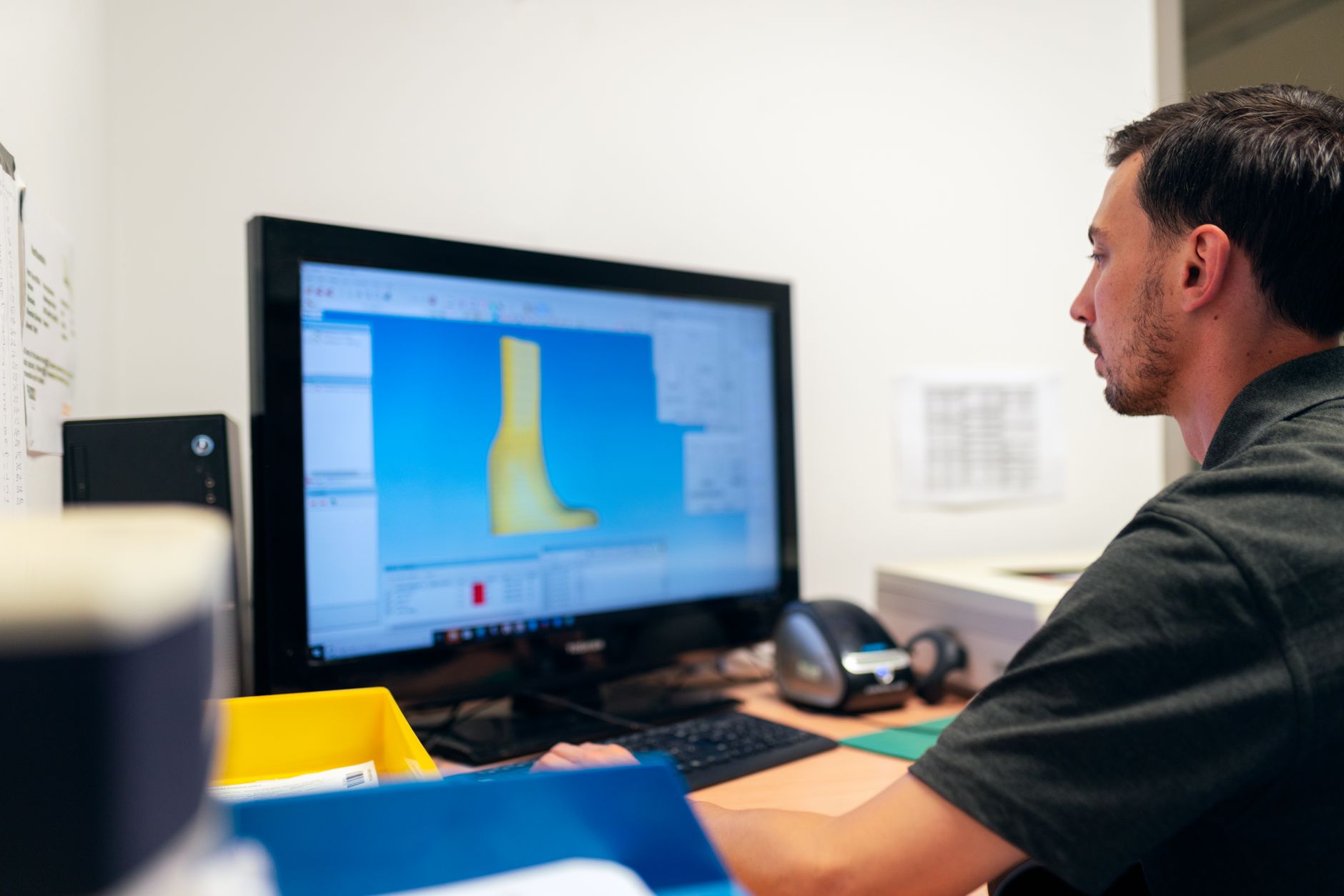
The learning process associated with new software can be difficult, especially when users have to get used to new interfaces, tools, and workflows. Although traditional training manuals may contain useful information, they are not always capable of showing precisely how a task should be carried out. iTop Screen Recorder is a helpful tool for turning software instructions from text into visual lessons, which are easier to understand, review, and share.
Turn Instructions into Visual Lessons
When written instructions are given, learners have to interpret them on their own, whereas with a screen recording there is less ambiguity since you can see everything yourself.
With iTop Screen Recorder, you can record software demonstrations from beginning to end, and this makes complicated procedures easier for learners to understand since they are able to see where to click, which options to select, and what the result will be.
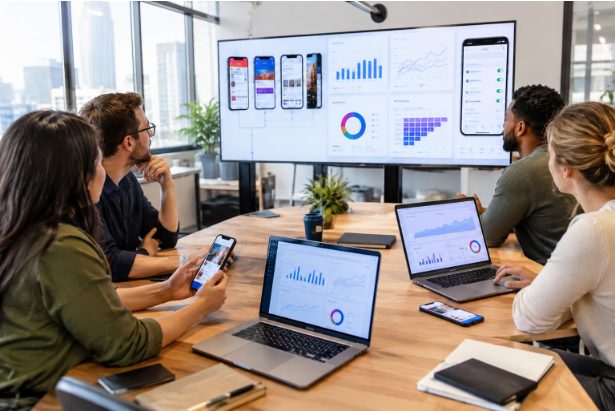
Train Employees on New Applications
It is common for businesses to introduce new applications in order to increase productivity and carry out their operations. However, such tools can only be used effectively if employees have received appropriate training.
Trainers have the facility of recording detailed demonstrations of the features so as not to have to give the same explanations again. The videos can be used for teaching how to navigate, the key features, and the usual activities, and thus provide employees with a useful reference when they need help.
Create Consistent Training Materials
Different trainers may give different descriptions of the same step, which can lead to employees becoming confused and giving out incorrect information.
Through the use of standardized training videos, a high-quality demonstration created with iTop Screen Recorder can be shared with a number of employees and departments, all of them receiving the same instructions.
Support Remote and Hybrid Employees
Today the workplace can include people from all over the world, and it is difficult and expensive to bring everyone together for live software training.
It is possible to carry out training without being limited by geography. Employees can watch the lessons on their own computers and, if they need to, go back and review the sections again. This kind of flexibility is particularly important for remote and hybrid teams.
Help Learners Practice Independently
Different people learn at different speeds. While some members of the staff will be able to understand the software immediately, others will need more practice.
Students can record lessons so that they are able to stop, fast-forward, and play them back again. Instead of having to depend on a trainer for every question, employees can study the relevant section and practice the procedure on their own.
Add Voice Explanations to Demonstrations
A visual demonstration is more effective if it is supported by simple explanations, and trainers should explain the importance of a feature as well as show how it works.
iTop Screen Recorder includes the facility to record sound. The fact that it has the ability to record audio allows teachers to provide audio instructions on the screen, making the learning process more comprehensive and helping to clarify each learning step.
Build a Long-Term Training Library
The process of training using software doesn't have to be something that happens all at once; instead, organizations can maintain a collection of lessons that have been recorded for different applications and processes.
New staff will have access to the existing training materials instead of being required to go through a completely new session. This arrangement will save time and will help keep the organisation's knowledge base in order.
Simplify Training Content Creation
There is no need to make professional training videos a complicated matter. iTop screen recorder provides easy-to-use recording controls, which allow users to begin recording software demonstrations without having to make elaborate preparations.
It makes it easier for trainers, managers, and other experienced professionals to turn their expertise into practical instructional videos.
Conclusion
iTop Screen Recorder is a useful tool for software training since it turns complicated instructions into clear video demonstrations. The programme includes both screen recording and audio features, allowing companies to create consistent lessons that their workers can access at any time. Using recorded training can save time, aid understanding, and help in the development of valuable resources for future workplace training.





1 thought on “Make Software Training More Effective with iTop Screen Recorder”
Comments are closed.