

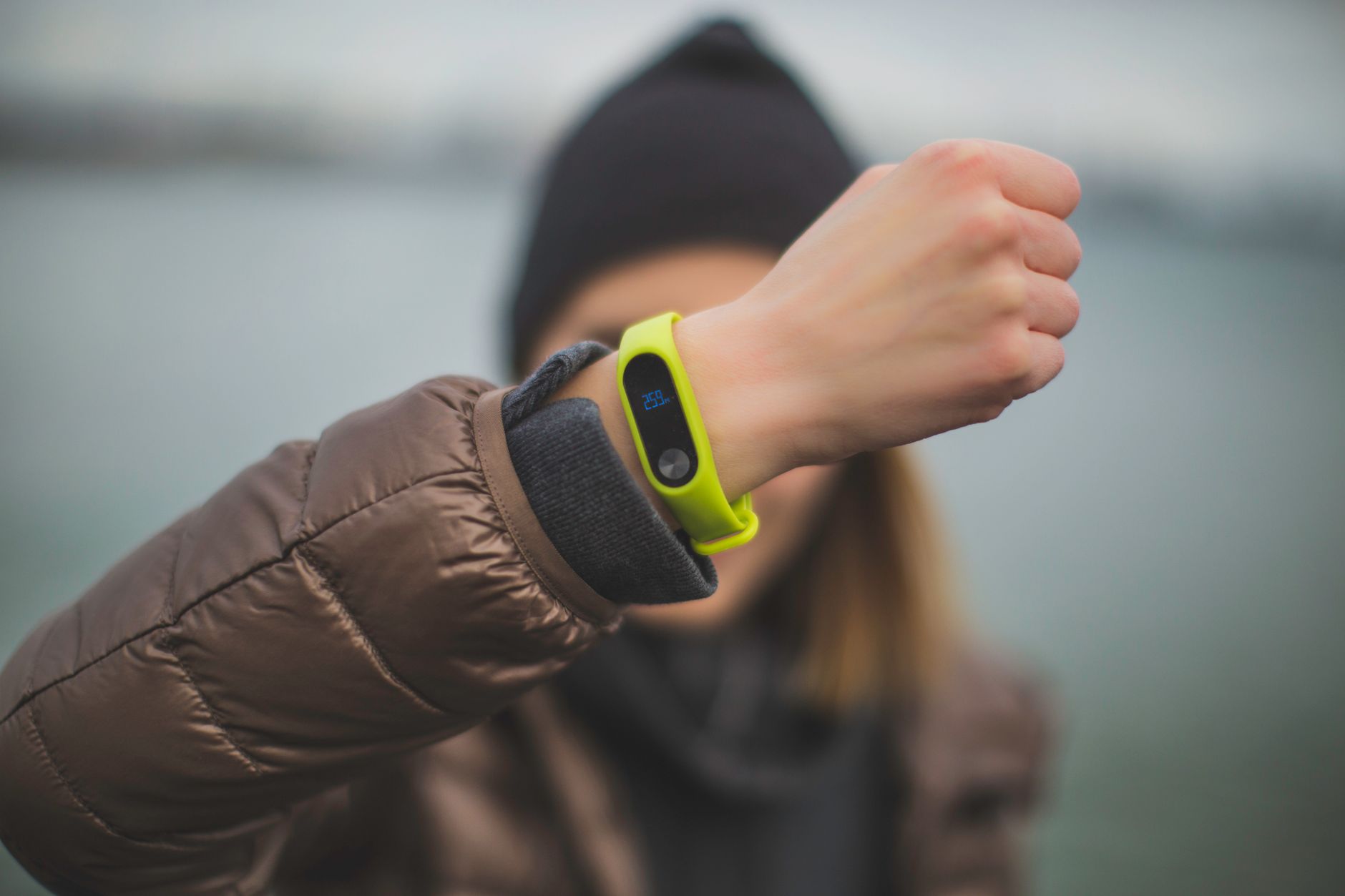
Clip a GPS tag to a fourteen-year-old’s backpack and count the weeks. It usually ends up in a desk drawer by the third one. It’s another thing to charge, and the backpack gets swapped for a gym bag on practice days. The phone survives all of that. It’s charged, it’s in the pocket, it goes to the game and to a friend’s basement. So for a family with a teenager, a GPS tracker for kids is rarely a gadget you buy — it’s the phone that’s already there, and the question is which app both of you can live with.
Findmykids is built for that phone. You open the app and the map shows where Maya is right now. Mark the school and the dance studio as places, and a notification arrives when she gets there and when she leaves. That’s the part that changes an ordinary Tuesday: the “did you make it?” text stops going out, along with the answer that never came back.
What you end up looking at
Most days, not much. The map is for the twenty minutes when the bus is late and practice was supposed to end at six. The route history is more useful for patterns than for any single afternoon: how long the walk home actually takes, which part of the trip is on the bus, why Thursdays always run twenty minutes over. And when the way home isn’t the usual one, the app sends a notification about the change in the usual route, so you find out from your phone instead of from the clock on the wall.
Teenagers move around more than younger kids and tell you about less of it. A pin on a map fills in the logistics without turning into an interrogation at dinner.
When nobody picks up
The phone is face-down in a locker, or the ringer went off during fourth period and never came back on. Findmykids has a Loud Signal for exactly that: the call comes through loudly even when the phone is silenced, which is usually enough to get a kid to look at the screen. If something is wrong on her end, she can send an SOS from her side of the app.
And when the battery on her phone is running out, you get a notification about it. That one small alert explains a lot of silences before they turn into worry.
Your teen sees the app too
This matters more at fifteen than at eight. Findmykids sits openly on the child’s phone, and a family circle means everyone in it can see each other on the map. Ethan can check whether his mom is still stuck at the office before he asks about a ride. Teenagers tend to accept an arrangement that runs in both directions, and they notice immediately when one doesn’t.
The same app also shows how the phone gets used: which apps take up the most time, how the days stack up over a week. Parents of teens usually look at that number for a while before doing anything with it, which is reasonable. If you do decide to set limits on screen time, block something during homework hours, or hand back an extra half hour on a Friday, that’s in the app as well.
What it costs to try
Findmykids is in the App Store and Google Play. The phone-use statistics come free once your child’s phone is connected, so you can see the picture before you decide anything; the screen-time limits and blocking come with a paid plan. It’s worth setting up on your own phone first and looking at what your kid will see on theirs — that’s the conversation that determines whether any of this lasts past the first week.
For a younger sibling who isn’t getting a smartphone yet, the same app pairs with a GPS watch, and that’s a real device on a real wrist. For the teenager, the device question is already settled. The phone is in the pocket. The only thing left to decide is what it tells you.










1 thought on “The GPS tracker for kids that stays in the pocket”
Comments are closed.