
Weak, reused passwords remain one of the leading causes of data breaches. Despite constant warnings, many people still rely on simple, repeated passwords across multiple accounts. Password managers solve this problem—and they do far more than just store logins.
The Problem With Traditional Password Habits
Reusing Passwords Across Accounts
When one account gets breached, reused passwords put every other account using that same password at risk. A single leaked password can cascade into multiple compromised accounts.
Weak, Predictable Passwords
Passwords like birthdays, pet names, or simple variations are easy for attackers to guess or crack using automated tools, especially when personal information is publicly available on social media.
Password Fatigue
With dozens of accounts requiring logins, many people default to simple, memorable passwords simply because remembering unique, complex ones for every site feels impossible.
What a Password Manager Actually Does
Generates Strong, Unique Passwords
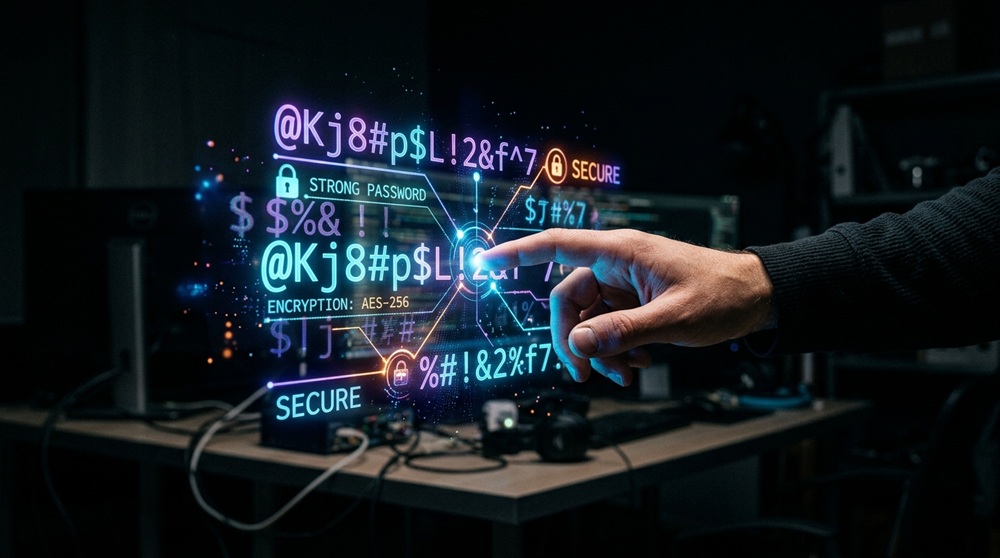
Password managers create long, random passwords for every account, eliminating the need to think up—or remember—complex combinations yourself.
Stores Passwords Securely
Instead of writing passwords down or reusing the same one everywhere, all credentials are stored in an encrypted vault, accessible only through a single master password.
Autofills Login Credentials
Password managers automatically fill in usernames and passwords on websites and apps, saving time while reducing the temptation to choose weaker, easier-to-type passwords.
Key Security Benefits
Protection Against Credential Stuffing Attacks
Since every password is unique, a breach on one site doesn’t compromise accounts elsewhere—a major defense against credential stuffing, where attackers test leaked passwords across multiple platforms.
Reduced Risk of Phishing
Many password managers only autofill credentials on legitimate, matching URLs, helping users avoid accidentally entering credentials on fake phishing sites designed to look like real ones.
Built-In Security Alerts
Most password managers monitor for compromised passwords and alert users if their credentials appear in known data breaches, prompting timely password changes.
Secure Sharing
Password managers allow safer sharing of credentials with family members or coworkers, avoiding insecure methods like text messages or sticky notes.
Additional Features Worth Knowing
Two-Factor Authentication Support
Many password managers integrate with or generate two-factor authentication codes, adding an extra layer of protection beyond just a password.
Cross-Device Syncing
Passwords sync securely across phones, tablets, and computers, so strong security doesn’t come at the cost of convenience.
Secure Notes and Document Storage
Beyond passwords, many managers offer encrypted storage for sensitive information like ID numbers, software licenses, or private notes.
Addressing Common Concerns
“What If the Password Manager Gets Hacked?”
Reputable password managers use strong encryption, meaning even the company itself can’t access stored passwords without the user’s master password. Choosing a well-reviewed, established provider significantly reduces this risk.
“What Happens If I Forget My Master Password?”
Most providers offer secure recovery options, though it’s important to set these up in advance and store recovery information safely.
Getting Started
Choosing a reputable password manager, setting a strong master password, and gradually updating saved passwords to stronger, unique ones is a manageable process. Many managers also offer browser extensions and mobile apps that make daily use seamless.
Final Thoughts
Password managers remove the tradeoff between convenience and security. By generating and storing strong, unique passwords for every account, they significantly reduce the risk of breaches, phishing, and credential-based attacks—making them one of the simplest, most effective upgrades to personal online security.
Ready for the next topic whenever you are.