Most people sort their mail over the trash can, and they keep only what feels like it was made for them. If your direct mail uses the same words and pictures for everyone, it can look like junk. That means you spend money on printing and postage, but you may get very little attention.
Variable data printing helps by changing each direct mail piece to fit the person receiving it. Names, offers, and images come from your data, so every reader sees content that fits their needs. NextPage uses variable data printing to help brands send direct mail that feels useful instead of random.
When the message feels right, readers are more likely to stop and read it. In this article, you will learn how variable data printing helps NextPage create more relevant direct mail, from clean data to personalized web pages.
1. Segment Audiences Using Clean, Verified Customer Data
Relevant direct mail starts with accurate data, and variable data printing uses that data to create personalized mail. At NextPage, the team cleans your list, verifies each entry, and ensures addresses comply with postal regulations. This is important since an incorrect name or address can ruin a piece even before it is printed.
After you have your clean list, you can segment the individuals on your list according to their purchases or actions. For instance, a loyal customer might require a thank-you message, and a first-time visitor might require a friendly welcome message. These groups are useful in making each direct mail piece resonate with the proper reader.
Clean data also ensures that you are not sending mail to addresses that are no longer valid. This means more of your budget goes to those who can respond. Better targeting with variable data printing begins well before the first page is printed.
2. Personalize Messages and Offers for Each Recipient
Once the data is prepared, variable data printing will link it to a template, which automatically adds details. Every space is linked to a data field, like a name, message, or offer. This connection makes the right words pop up for the right people, without anyone manually typing them in.
Think about a greeting that uses a first name rather than "Dear Customer". Offers may differ as well, so a new buyer may get a welcome offer while a regular customer may get a reward. These small details show readers that the direct mail was made with them in mind.
NextPage creates one template for many groups, so you do not need a new design every time. That saves time while still giving each reader something new to read. Personal content like this feels more like a conversation than a general announcement.
3. Change Images and Design Elements by Product, Location or Behavior
Words are only part of a message, since pictures often catch the eye first. With variable data printing, an image can change based on a product someone bought or an action they took. Two people can therefore get the same mailer but see different pictures.
Suppose that a customer has purchased running shoes and now receives a postcard for new trail equipment. Another customer, who is viewing hiking boots, may see a boot sale instead. Both direct mail pieces feel targeted to the reader, and thus are less likely to be ignored.
Behind the scenes, NextPage puts these image spots in the same template as the text and offers. Because it's all on one template, the person in the photo and the message will always be the same. Overall, the direct mail appears planned for the reader, rather than printed for all.
4. Print Every Personalized Version in a Single Digital Press Run
Before the press starts, NextPage checks sample versions to make sure the data fits the template. These previews include tricky cases, such as an empty field or a very long name. Finding those problems early keeps each piece clean and ready to print.
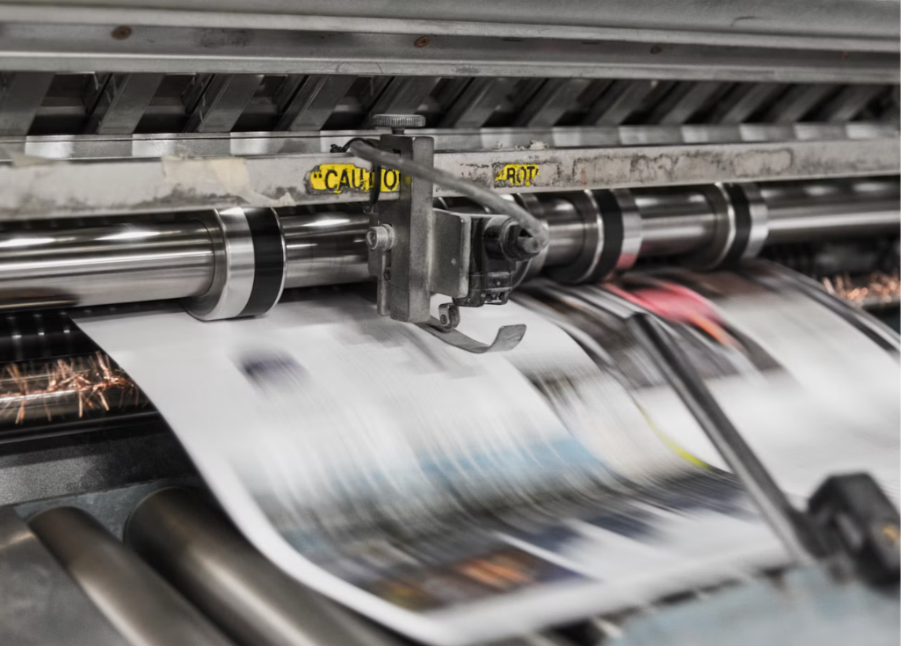
Then, every piece prints on a digital press in one steady run. The press needs no plate changes or separate job for each group, so all versions print together. This keeps every group on the same schedule and saves time.
Speed helps variable data printing too, since digital presses can run at up to 400 feet per minute. Because of that speed, a job with 500 pieces or 500,000 pieces moves through the same simple steps. You can therefore send many unique direct mail versions without waiting for each group separately.
5. Adapt Mail Content to the Needs of Each Industry
Different industries have different goals, so one direct mail plan rarely works for all of them. Variable data printing lets you shape each piece around what a group needs most. In finance, for example, a bank can send offers based on account type or how active a customer is.
Healthcare teams can send appointment reminders and care messages that fit each patient's history. Nonprofits can write donor appeals based on how much and how often a person has given. Both examples show how the same process can fit very different goals.
Likewise, insurance companies can mail renewal reminders or policy upgrade offers that match each customer. Retail brands can send loyalty mailers and restock reminders based on past purchases. Agencies can also manage many clients and groups while keeping colors consistent.
6. Connect Mail to Personalized Digital Experiences with QR Codes and PURLs
Direct mail does not have to end when the reader puts it down. Each piece can carry a unique QR code or a PURL, which is a web link made for one person. When the reader uses it, they reach a page that matches the mail.
Beyond the first scan, these codes show who responded, so you can track results person by person. That tracking connects your direct mail to your online channels, so each one supports the other. You can then see what the mail encouraged people to do.
Another tool, IP targeting, shows online ads to households that receive the mail. Habitat for Humanity paired personal direct mail with IP targeting and saw conversions rise by 270%. Together, the two channels give readers more than one chance to take action.
Conclusion
Readers notice when mail was written for them, and that feeling comes from small details done well. NextPage shows that those details can reach thousands of mailboxes without losing the personal touch you want.
If your direct mail feels generic, you can change that one step at a time. Start by asking what each group on your list would want to read, then find a variable data printing partner that can turn those answers into real mail. A little more care can turn ordinary mail into something people want to open.