
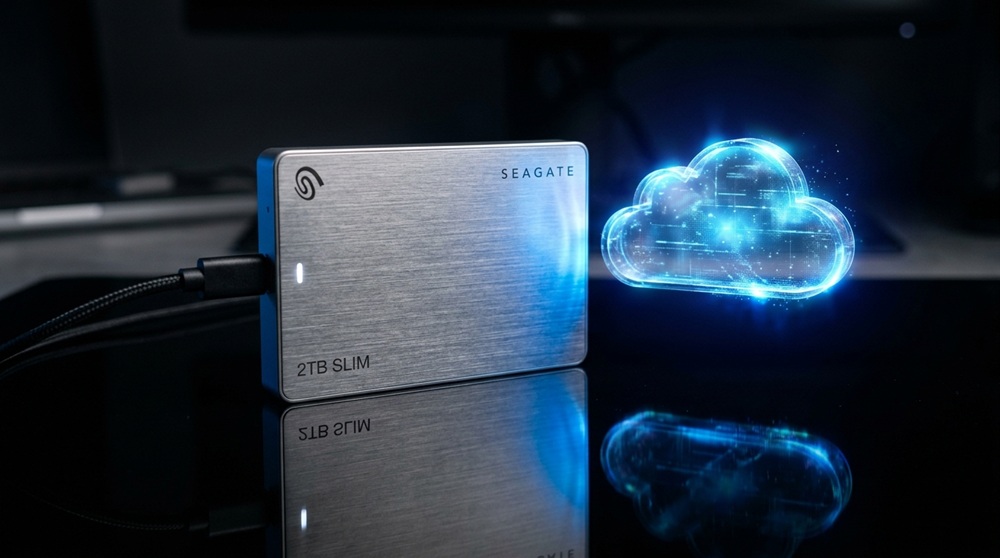

Choosing between cloud storage and external hard drives often comes down to how you use your data, not which technology is objectively “better.” Each has clear strengths and real limitations worth understanding before deciding where your files should live.
What Is Cloud Storage?
Cloud storage keeps your files on remote servers managed by a third-party provider, accessible from any device with an internet connection. Services like Google Drive, Dropbox, and iCloud have made this the default for many everyday users.
What Are External Hard Drives?
External hard drives are physical storage devices you connect directly to your computer, storing data locally without relying on an internet connection or third-party servers.
The Case for Cloud Storage
Access From Anywhere
Cloud storage lets you access files from any device, anywhere with internet access, making it ideal for people who work across multiple devices or locations.
Automatic Backup and Syncing
Most cloud services automatically sync files across devices, ensuring your latest version is always available without manually transferring data.
Easy Collaboration
Cloud platforms make real-time collaboration simple, allowing multiple people to view, edit, and comment on the same files without version confusion.
Protection Against Physical Damage or Loss
Since files live on remote servers, a lost laptop, house fire, or damaged device doesn’t mean lost data—your files remain safely stored elsewhere.
The Case for External Hard Drives
No Internet Dependency
External drives work entirely offline, making them reliable for accessing large files instantly without worrying about internet speed or connectivity issues.
One-Time Cost
Unlike cloud storage’s recurring subscription fees, external hard drives are a single upfront purchase, which can be more economical for storing large amounts of data long-term.
Faster Transfer Speeds for Large Files
Moving large files—like high-resolution video projects—is often faster with a direct physical connection than uploading and downloading through the cloud.
Full Control Over Your Data
With an external drive, your data isn’t stored on someone else’s servers, giving you more direct control and reducing concerns about third-party data privacy practices.
Key Drawbacks to Consider
Cloud Storage Limitations
Cloud storage requires an internet connection to access files, and costs can add up over time with recurring subscriptions, especially as storage needs grow. There’s also an inherent reliance on the provider’s security and uptime.
External Hard Drive Limitations
Physical drives can fail, get lost, or become damaged, and without a backup, that data may be gone permanently. They also don’t offer the same seamless remote access or automatic syncing that cloud storage provides.
Which One Should You Choose?
For Everyday Users and Remote Workers
Cloud storage is generally the better fit for people who need to access files across multiple devices, collaborate with others, or want automatic backup protection without manual effort.
For Large Files and Offline Work
External hard drives make more sense for professionals working with large media files, needing offline access, or storing sensitive data without third-party involvement.
The Best Approach: Use Both
Many experts recommend a hybrid approach—storing actively used files in the cloud for accessibility and collaboration, while keeping an external hard drive as a secondary backup. This layered strategy protects against both device failure and cloud service disruptions.
Final Thoughts
Neither cloud storage nor external hard drives are universally superior—they solve different problems. Cloud storage excels at accessibility, collaboration, and automatic backup, while external hard drives offer speed, one-time costs, and independence from the internet. For most people, combining both provides the strongest protection against data loss while keeping files convenient to access.
Ready for the next topic whenever you are.