

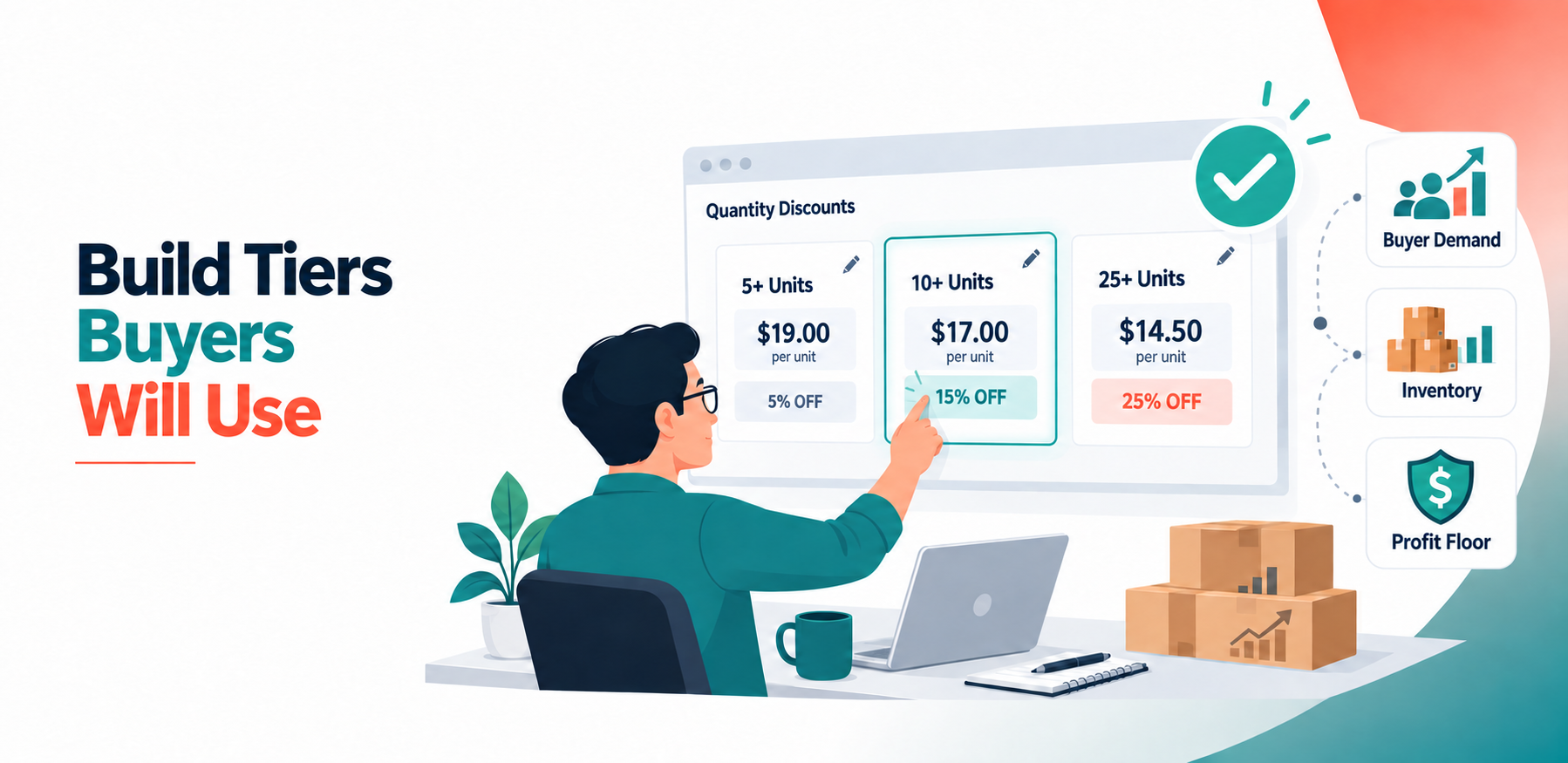
Amazon Business quantity discounts can encourage buyers to place larger orders, but only when the tiers reflect how those customers actually purchase.
A seller might add discounts at 10, 25 and 50 units because those numbers look reasonable. However, if most business customers order between six and 12 units, the higher thresholds will rarely influence a buying decision. The discounts exist, but they do not match real demand.
Setting up tiers correctly requires more than choosing larger quantities and attaching bigger discounts. You need to understand your order patterns, calculate your minimum profitable price and check how each tier changes your competitive position.
The objective is simple: give buyers a meaningful reason to increase their order while keeping every tier profitable for your business.
Understand What Quantity Discount Tiers Do
A quantity discount gives an Amazon Business customer a lower per-unit price after they reach a defined order quantity.
For example, a product with a $20 business price might use this structure:
- Five or more units: $19 per unit
- Ten or more units: $18 per unit
- Twenty-five or more units: $17 per unit
The buyer receives a stronger saving as the order grows. This can make a larger purchase easier to justify while increasing the number of units you sell in one transaction.
Amazon allows sellers to create quantity discounts using either a percentage discount or a fixed per-unit price. Its official guide to setting B2B prices and quantity discounts also explains how sellers can add multiple thresholds through Seller Central.
Both discount methods can work. The right option depends on how you manage your costs and prices.
Start With Your Actual B2B Order Data
Do not choose thresholds simply because they are round numbers.
Review your Amazon Business order history and group purchases by quantity. Look for ranges where orders appear repeatedly.
You may discover patterns such as:
- Most buyers order between three and five units.
- A second group regularly orders 10 to 15 units.
- Very few customers purchase more than 25 units.
These patterns provide a stronger foundation for your tiers. You could place the first threshold near five units and the second near 10 units because those quantities are already relevant to your customers.
A threshold should be close enough to encourage the buyer to increase their order. If customers usually purchase eight units, a discount beginning at 10 may motivate them to add two more. A discount beginning at 25 probably will not change their decision.
Calculate Your Price Floor Before Adding Discounts
Every tier must protect your minimum acceptable margin.
Begin with the full cost of selling one unit, including:
- Product cost
- Amazon referral fees
- Fulfilment or shipping costs
- Packaging and handling
- Return or replacement costs
- Required profit margin
Some costs may decrease per unit when a buyer orders in bulk. Others may stay the same or increase. Use your actual fulfilment model instead of assuming that every large order automatically costs less to process.
Suppose your business price is $20 and your minimum profitable price is $16.50. A tier offering a final price of $17.50 may be workable. A deeper tier at $16 may increase order volume but take the offer below your price floor.
The discount should encourage a larger purchase without turning that purchase into an unprofitable order.
Choose Between Percentage and Fixed-Price Discounts
Percentage discounts are easy to understand and can be useful when your business price changes regularly.
For example:
- Five units: 5% off
- Ten units: 8% off
- Twenty-five units: 12% off
However, you must calculate the resulting per-unit price at every tier. The percentage may appear reasonable while the final price falls too close to your minimum.
Fixed-price discounts give you more direct control. Instead of offering 8% off at 10 units, you can set the price at exactly $18.40 per unit.
A fixed price can make margin planning easier, but it may require more frequent review when your costs or standard business price change.
Whichever method you choose, evaluate the final per-unit price. The percentage itself is not the real commercial result.
Make Every Higher Tier More Valuable
Each new tier should provide a better per-unit price than the previous one.
An incorrect structure might offer 8% off at 10 units but only 6% off at 25 units. The larger order would produce a weaker saving, which removes the incentive to purchase more and may make the higher tier invalid.
A logical structure should progress clearly:
| Quantity | Discount | Effective Price on a $20 Business Price |
| 5–9 units | 5% | $19.00 |
| 10–24 units | 10% | $18.00 |
| 25–49 units | 15% | $17.00 |
| 50+ units | 17% | $16.60 |
The price difference between tiers should also be meaningful. Moving from 5% to 5.5% may not be enough to change a procurement decision.
At the same time, you do not need to make every discount dramatically larger. The correct difference is one that encourages the next order size while protecting your margin.
Avoid Creating Too Many Tiers
More tiers do not always create a better offer.
A structure with discounts at 3, 5, 7, 10 and 12 units may be difficult to manage and may not provide a clear reason for the buyer to move from one level to the next.
Use a smaller number of thresholds based on distinct purchasing patterns. For many products, three useful tiers are more effective than five weak ones.
Each tier should serve a clear purpose:
- The first tier encourages a small increase in order size.
- The middle tier targets a common business purchasing quantity.
- The highest tier supports genuine bulk buyers.
Add another tier only when your order data shows that a separate quantity group exists.
Check Inventory and Fulfilment Capacity
A quantity discount is only useful when you can fulfil the order reliably.
Before activating a tier, confirm that you normally hold enough inventory to support it. If you create a 50-unit discount but frequently have only 30 units available, buyers may be unable to use the offer when they need it.
You should also consider whether larger orders affect:
- Processing time
- Delivery speed
- Packaging requirements
- FBA inventory levels
- Restocking schedules
Your highest tier should reflect the quantity you can supply consistently, not the largest order you hope to receive.
Test the Tiers From the Buyer’s Perspective
After saving your quantity discounts, review the live offer as an Amazon Business customer would see it.
Confirm that:
- Every intended threshold appears.
- The quantities are in the correct order.
- Each higher tier has a lower per-unit price.
- The displayed savings match your calculations.
- The business price remains lower than the standard customer price where required.
- No tier has disappeared because of an incorrect price progression.
Allow time for changes to appear, and then check the listing again. Do not assume that a successful submission means the live tier structure is correct.
Monitor What Happens After Setup
Quantity tiers should not be treated as permanent settings.
Review performance after enough orders have occurred. Compare the period before and after the change using:
- Business orders
- Units sold
- Average order quantity
- B2B conversion rate
- Featured Offer percentage
- Margin per order
A tier may attract more units but reduce profit too heavily. Another may protect margin but sit above the quantities buyers normally purchase.
If customers continue ordering just below a threshold, consider whether moving that threshold slightly lower could encourage more conversions. If a tier receives almost no use, check whether it is too high or offers too little additional value.
Use Automation Without Giving Up Control
Manual management may be practical for a small number of products. It becomes harder when you have a large catalogue, changing competitors and several quantity tiers per SKU.
This is where Amazon B2B Repricing can support the strategy. You establish the relevant quantities, pricing rules and minimum limits, while automation helps respond to changes in the competitive environment.
Automation should not decide your tier strategy for you. Your order data and margins should determine which thresholds matter and how low each price can go.
The value of Amazon B2B Repricing is its ability to apply those decisions more consistently. It can help keep the tiers responsive without requiring you to review every price manually throughout the day.
Build Tiers Around Profitable Buyer Behaviour
Correct quantity discount tiers connect three things: the quantities buyers already want, the additional volume you want to encourage and the lowest price your business can profitably accept.
Start with real order data. Set thresholds close to common purchasing quantities, create a clear improvement at every level and confirm that you can fulfil the resulting orders.
Then monitor how buyers respond.
A good tier structure does not simply offer deeper discounts. It gives the right buyer a sensible reason to purchase more while allowing you to remain competitive and profitable.










2 thoughts on “How to Set Up Amazon Business Quantity Discount Tiers Correctly”
Comments are closed.